See LazyInsight in action
Explore the workflow and email editors before installing.
Product tour
See the tools you will use
Explore the workflow and email editors before installing.
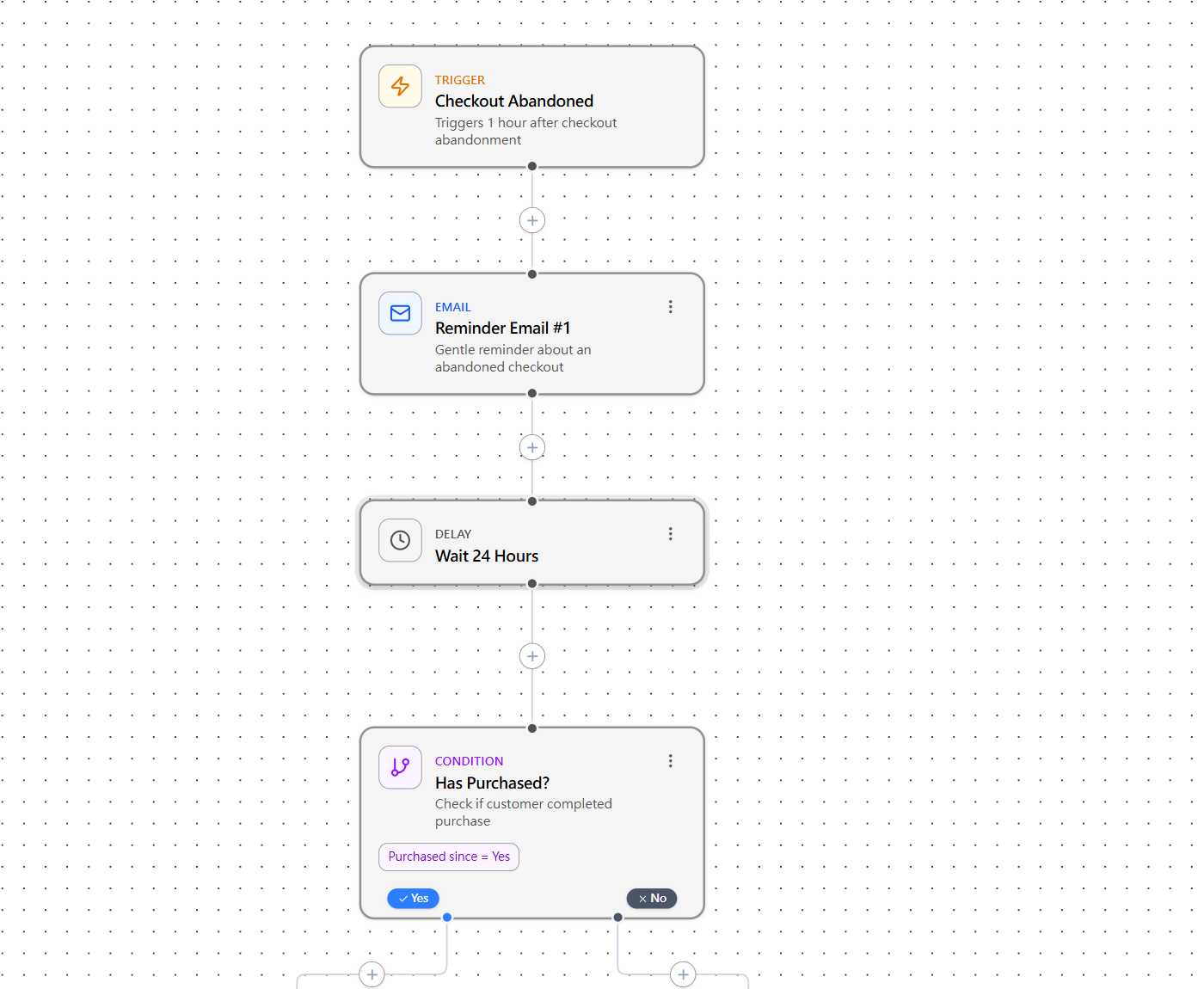
Set the timing and conditions for each follow-up.
Actual product screens with sample content, shown in English. These are screenshots, not a live workspace or merchant results.
How It Works
Three simple steps to start recovering lost sales
Install through Shopify
Add LazyInsight from the Shopify App Store and complete the in-app setup.
Choose and edit a sequence
Start with a recovery template, select your emails, and configure the timing and conditions.
Review, then activate
Check the templates and sender settings, activate your workflow, and review its activity in the app.
A recovery workflow you can make your own
For Shopify merchants who want to manage recovery timing, branded emails, and send activity in one app.
Build your first recovery sequence
Start on the Free plan. Review your templates and setup before you activate automatic sending.